
Build your first Prima 1 experiment
Explore Xynova Prima 1, choose a manipulation task and turn it into a documented experiment. Start in your browser; prepare the verified hardware setup next.
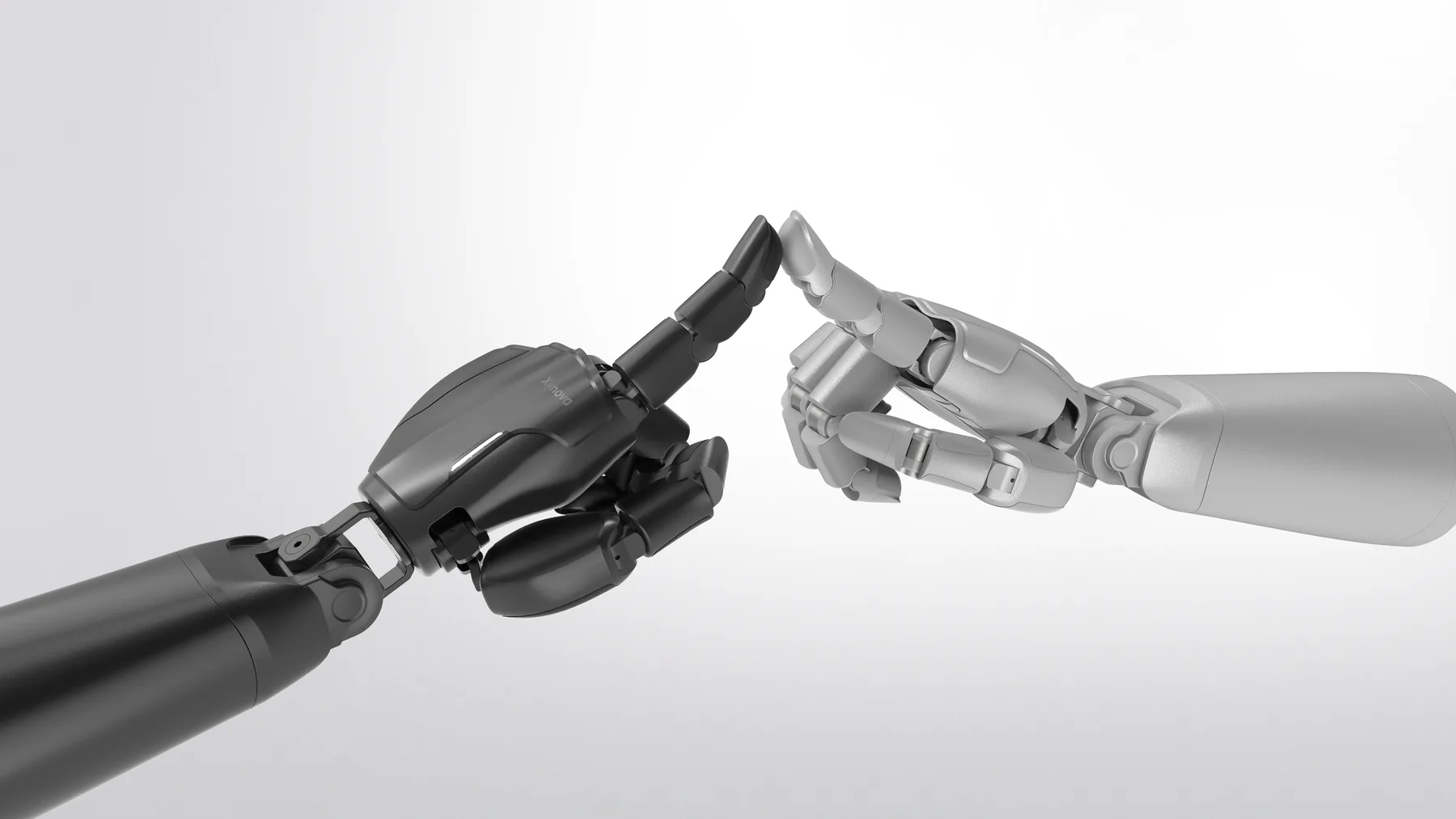
- Configuration
- 22 total DOF
- Fingertips
- Visuo-tactile sensing
What would you build with Prima 1?
Choose a task. Turn it into a test you can explain and repeat.
- Action to test
- Change the pen’s orientation relative to the palm, then hold a defined end pose.
- What to record
- Synchronized external video, measured joint state and available fingertip observations.
- Define success first
- Specify the initial pose, target orientation, tolerance and hold duration before testing.
A clip showing a pen held in the hand does not establish repeatable in-hand reorientation.
Create a Prima 1 task brief, identify the required signals and list the developer-package prerequisites.
Understand the hand before choosing a task
The public manufacturer page describes Prima 1 as a 22-DOF hand with direct-drive actuation and visuo-tactile sensing across five fingers. These are manufacturer descriptions, not independent test results. Confirm the exact configuration, controllable axes and delivered sensor interfaces for your unit. This lesson does not publish an executable Prima 1 simulation or issue hardware commands.
Connect the task to the signals
For pen reorientation, track how the pen moves relative to the palm. For delicate handling, record slip and damage as well as a completed lift. For data collection, distinguish the commanded action from measured state and synchronize camera and fingertip observations. The planner above helps you choose what evidence to collect; it does not predict success.
Get the exact developer package
A public, downloadable Prima 1 SDK, licensed model and example dataset were not verified for this lesson. Start with Xynova’s resource center or request a revision-specific package. Ask for the joint map, units, motion limits, supported host system, read-only feedback example, model assets and licenses. Do not substitute another hand’s URDF or assume a generic retargeting tool supports Prima 1.
Run a small, repeatable baseline
Follow the manufacturer’s setup and operating instructions. Document one task, its initial state and an explicit success rule before collecting trials. Retain every attempt, failure, reset and operator intervention. A learned policy, scripted sequence and human-operated demonstration should be reported separately. Share a permitted log and your setup, not just the best clip.
Try it yourself
Move from the brief to a real integration
Use this checklist to track the material you have. These boxes are session-only notes, not a certification or automatic approval to run the hand.
0 of 5 prerequisites checked.
Ask Xynova for the integration package →Your practical task
- Choose a task and control mode in the planner, then download your brief.
- Fill in the starting conditions, attempt count and success rule.
- Use the checklist to identify missing SDK, model and sensor documentation.
- Save the lesson and create an experiment record when you have evidence to share.
What to produce: An editable Prima 1 experiment brief and a list of integration prerequisites.
Check your understanding
Original sources & next steps
Xynova Prima 1: public manufacturer description ↗Xynova resource center: confirm release access ↗Original Dexhands teaching material. Lesson and linked references reviewed 2026-09-24. Research links are not endorsements or evidence of hardware compatibility.